
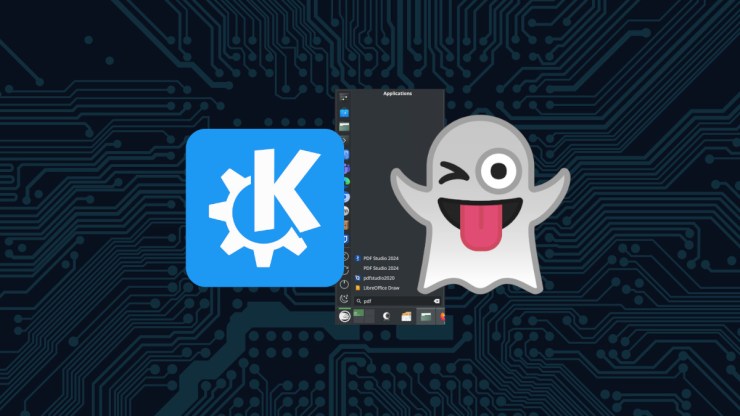
This is a quick fix, should you find you have a ghosted entry in your application menu on KDE Plasma. This may work for other desktop environments but I have not tested against anything else. If you run into this and you are running GNOME, Cinnamon, XFCE or anything else, please let me know.
Sometimes I mess around with various software bits on my computer and as a consequence, I break things. Sometimes they are big things, sometimes they are small and annoying. When I was writing this article on PDF Studio, I made an untidy artifact in my application menu.

Needed to fix a ghosted link to an application, not because it was inhibiting productivity but rather, I find it incredibly annoying. What I found surprising was that this dead link was not in the Edit Applications tool and rebooting the system didn’t clear it up. The solution was actually quite simple, once I knew where the problem existed. After going through a few forum posts, I discovered that the Application Menu parses a directory for entries under ~/.local/share/applications

The solution was simple, just delete the offending item and you are done.
Final Thoughts
Sometimes I feel like the way application menu entries are handled by various Linux desktop environments are sloppy and at the same time, incredibly clever. I guess it depends entirely on how you look at it. Regardless, cleaning up the KDE Plasma Application Menu is easy to do, once you know where to go and here it is!
References
https://kde.org/plasma-desktop/
https://unix.stackexchange.com/questions/403066/cleaning-up-kde-application-menu-applications-kmenuedit-menu


Leave a Reply to kCancel reply