
Tag: openSUSE
-
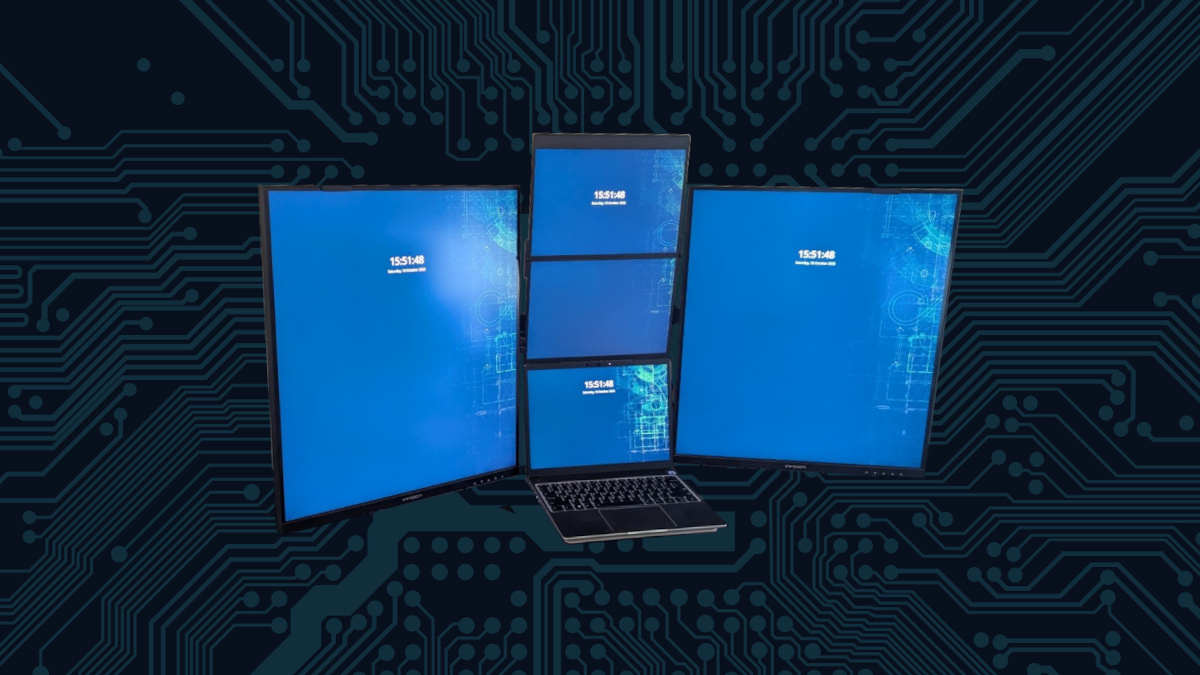
Creating the Ultimate Vertical Monitor Workspace
The author describes a journey of upgrading their home office setup, initially using a six-monitor rig with inadequate screens. They found improvements in an LG DualUP monitor and decided on a dual setup using INNOCN displays to enhance productivity. Despite some connection issues and pixel density discrepancies, the new layout significantly increased usability and desk…
-

Hybrid Atomic Updates with openSUSE Tumbleweed
The author praises the atomic update-like mechanism integrated within openSUSE Tumbleweed, highlighting its reliability and user-friendliness. This method effectively combines the flexibility of traditional updates with the stability of atomic ones, ensuring minimal disruption during software installations. The experience has greatly improved daily Linux usage, appealing to both novice and experienced users.
-

Deskflow | Seamless Multi-Computer Control
The content describes the author’s experience using Synergy for productivity by seamlessly sharing a keyboard and mouse across multiple computers. It highlights the benefits of the software, including clipboard sharing and ease of setup, while noting some limitations, particularly with complex layouts and clipboard functionality. Overall, it’s a promising tool for multi-computer setups.
-

Seamless Windows Apps on openSUSE with WinBoat
The author details their successful integration of openSUSE with Microsoft Office 365 using WinBoat, enabling Windows applications in a Linux environment without dual-booting. Despite minor setup challenges, they achieved significant functionality and security with Windows apps like Milestone XProtect and Rufus, appreciating the performance and seamless integration during their workflow.
-

Daily Driving Thunderbird
The author transitioned from KDE’s Kontact to Thunderbird for personal information management due to increasing issues with Kontact. Thunderbird proved to enhance productivity significantly, offering robust email and calendar integrations, especially with Google Calendar and Microsoft Office 365. Despite some rough edges, the author appreciates Thunderbird’s reliability and flexibility and looks forward to exploring its…
-

Quick Fix: Recover a Corrupted Btrfs Filesystem in Minutes
After a laptop freeze due to a corrupted Btrfs filesystem, I found a solution in single-user mode. I identified the issue using the Btrfs check command and successfully repaired the partition table. This experience highlighted the importance of backups and demonstrated Linux’s resilience. Don’t fear filesystem corruption; solutions exist.
-

How to Remove a Ghost Software RAID Array After Disconnecting a Drive Enclosure in Linux
The author shares their experience with a 5-drive enclosure intended for backup, encountering a “ghost” RAID issue on their system after testing software RAID with mdadm. They resolved the issue by editing the mdadm.conf file. The process enhanced their confidence in experimenting with technology and using AI for problem-solving.
-
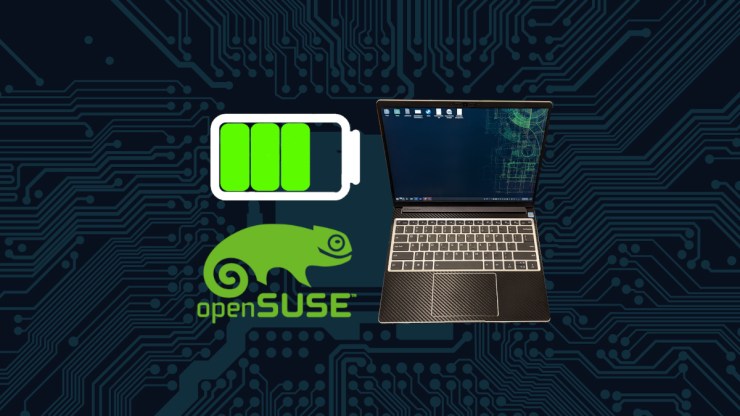
New Kernel Module Enhances Battery Management for Framework Laptop
This week, an update on my openSUSE Tumbleweed introduced a kernel module for the Framework Laptop, enabling battery charge limit adjustments directly in KDE Plasma. Previously missing, this feature enhances battery management, allowing settings up to 85%. Additional controls for LEDs and fan management are also available, significantly improving user experience.
-
Fix Missing Monitor Brightness Controls in KDE Plasma
I have experienced a recent weird issue on KDE Plasma 6.3 where the screen brightness controls disappear in the Brightness and Color applet in the system tray. I noticed this behavior when Plasma would turn off the screens as part of the power saving settings. This is rather annoying because it leaves the monitors dimmed…
-

Adjusting Mouse Edge Stickiness in KDE Plasma
The author discusses issues with mouse “stickiness” at screen edges on a multi-screen desktop using Plasma 6.3.4. They appreciate this feature but found the default edge barrier of 100 pixels too aggressive. By adjusting the setting to 20 pixels, they achieved smoother transitions, highlighting the customization benefits of Plasma on openSUSE Tumbleweed.